
Features
What guests get, and what you never have to do.
Guest2Go is two things: a simple screen for your guests, and monitoring, updates and repair keeping it healthy behind the scenes. This is the whole list.
01 · On the guest screen
Obvious to someone who’s never seen it.
A business-center computer gets used by people in a hurry. Nothing on this screen needs explaining.
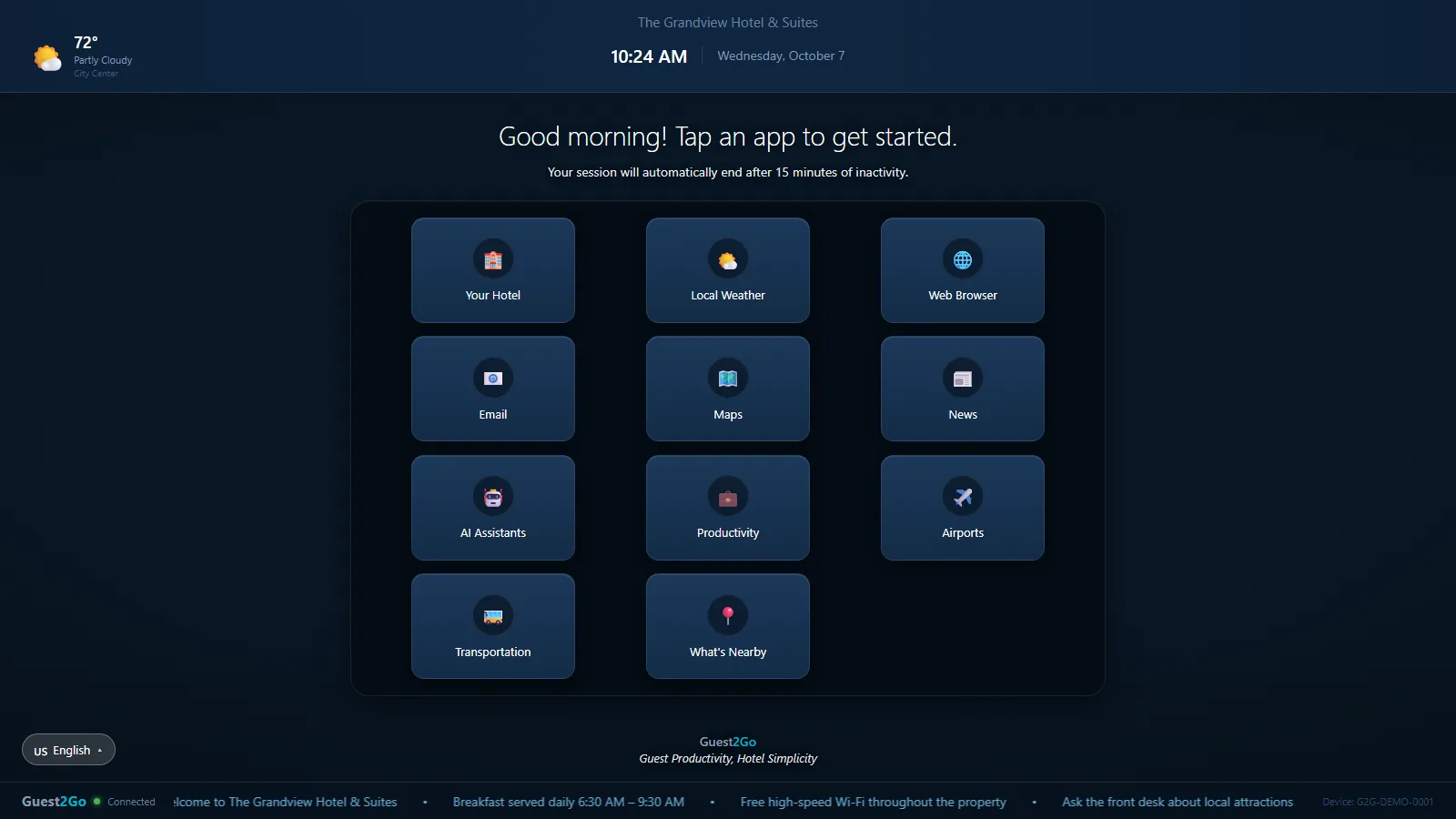
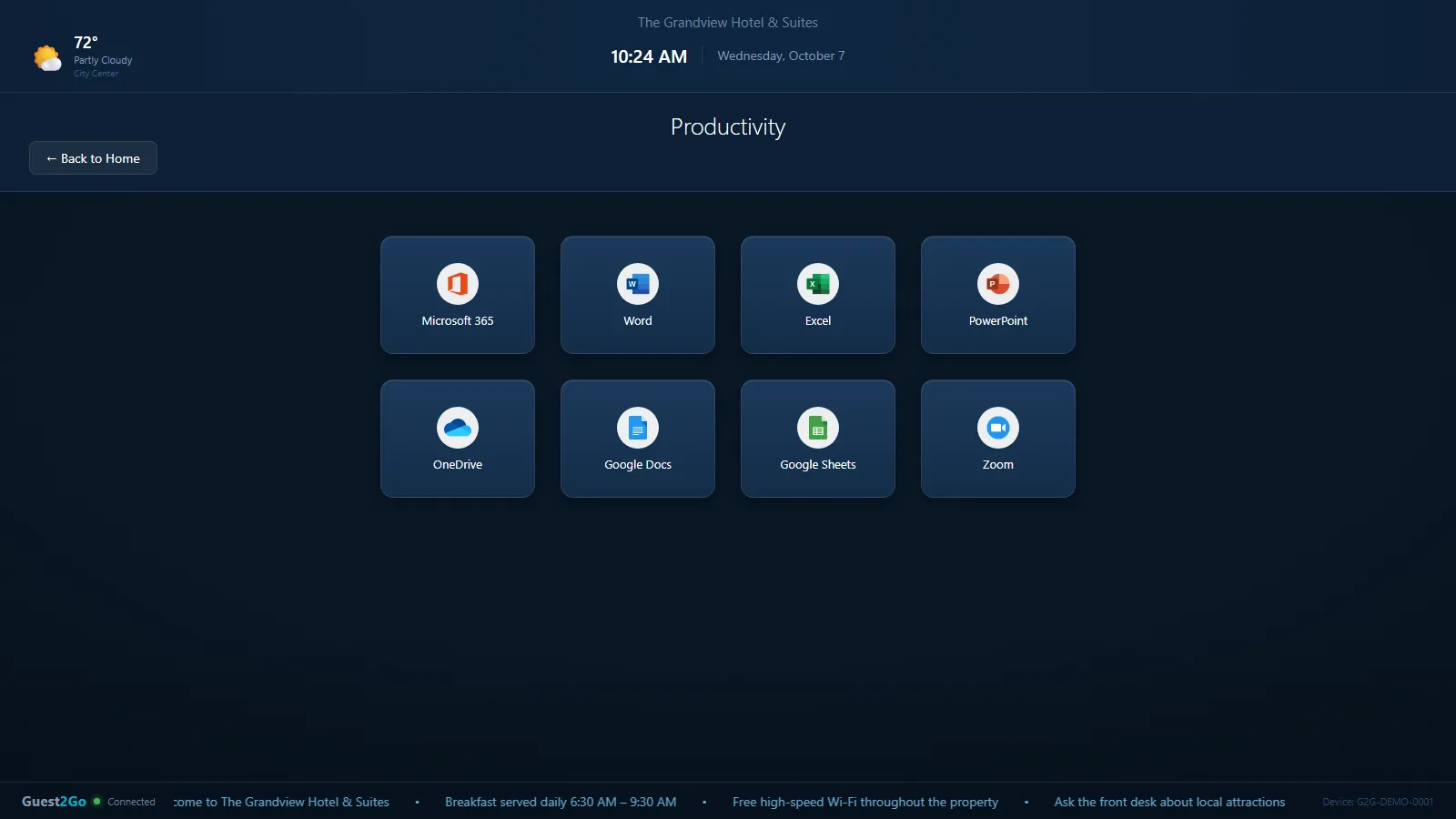
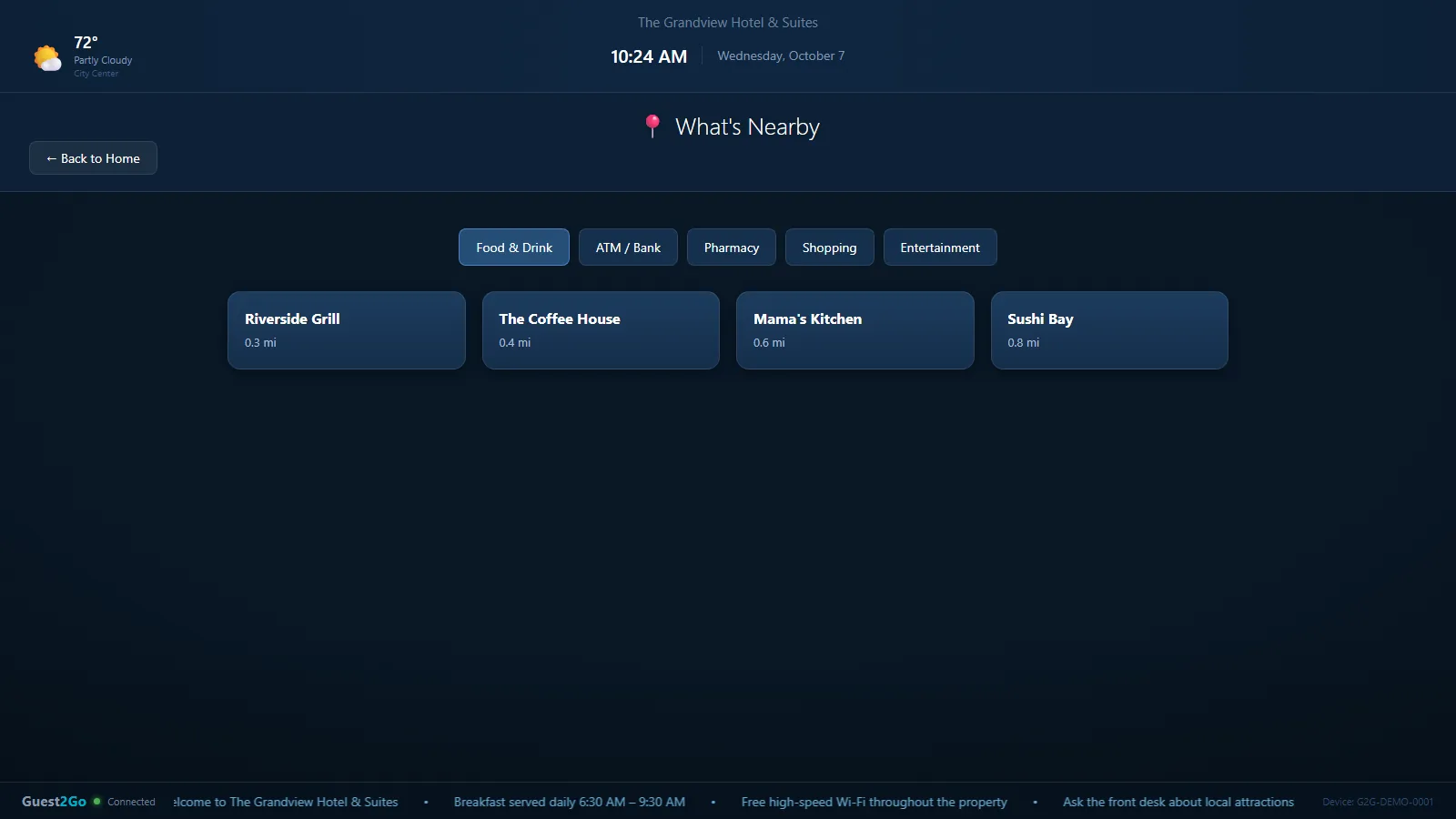
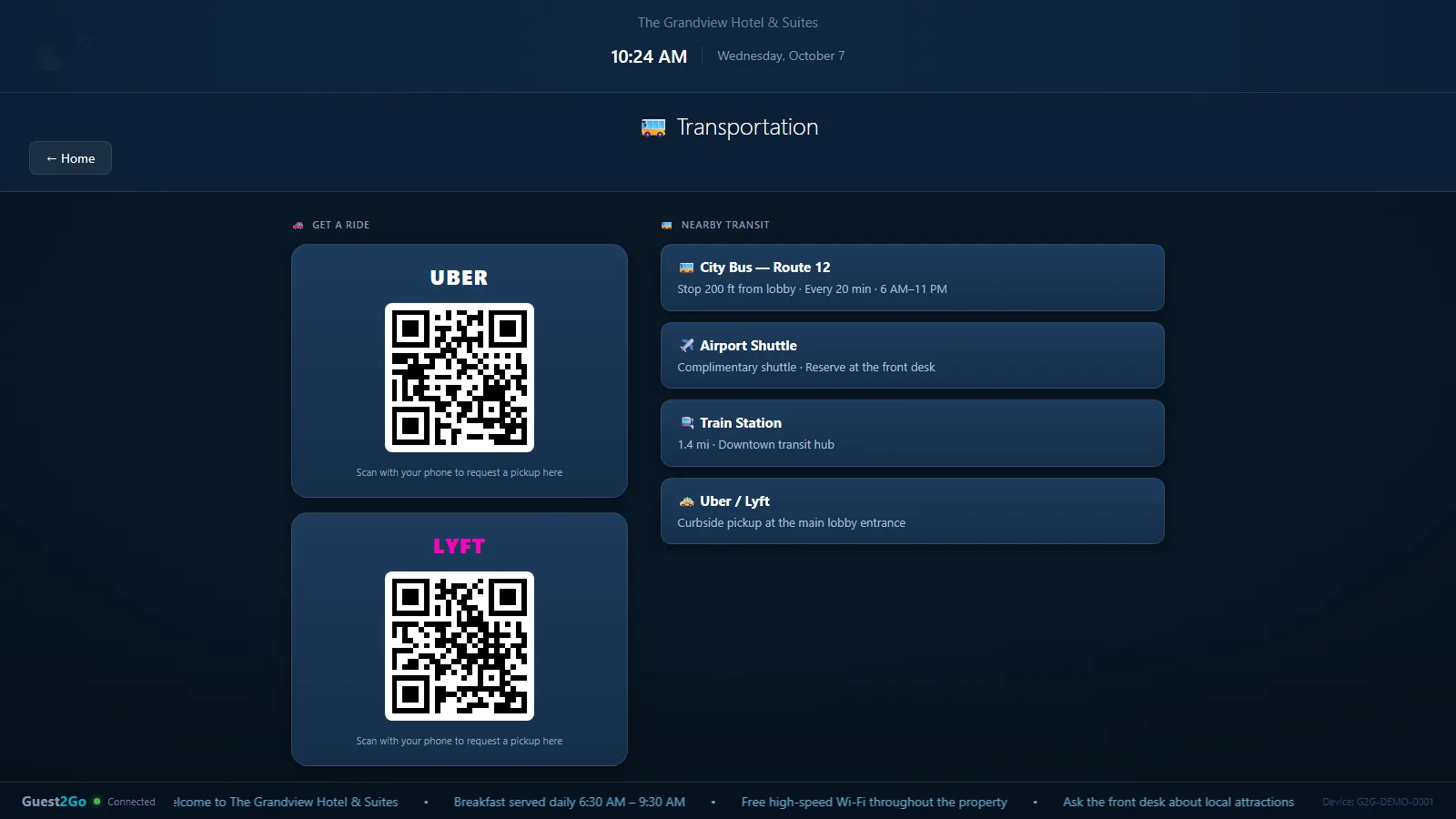
Home screen. Sample data from the Guest2Go demo.
Point at a feature to see its screen.
- Big, labeled tilesYour Hotel, Weather, Web Browser, Email, Maps, News, AI assistants, Productivity, Airports, Transportation and What’s Nearby. No desktop, no start menu, no file browser.
- Office and documentsWord, Excel and PowerPoint open full-screen, with OneDrive, Google Docs, Google Sheets and Zoom alongside.
- What’s nearbyFood, ATMs, pharmacies, shops and things to do around your property, sorted by distance, with a map one tap away.
- Rides and transitUber and Lyft pickup codes to scan with a phone, plus transit stops close to the hotel.
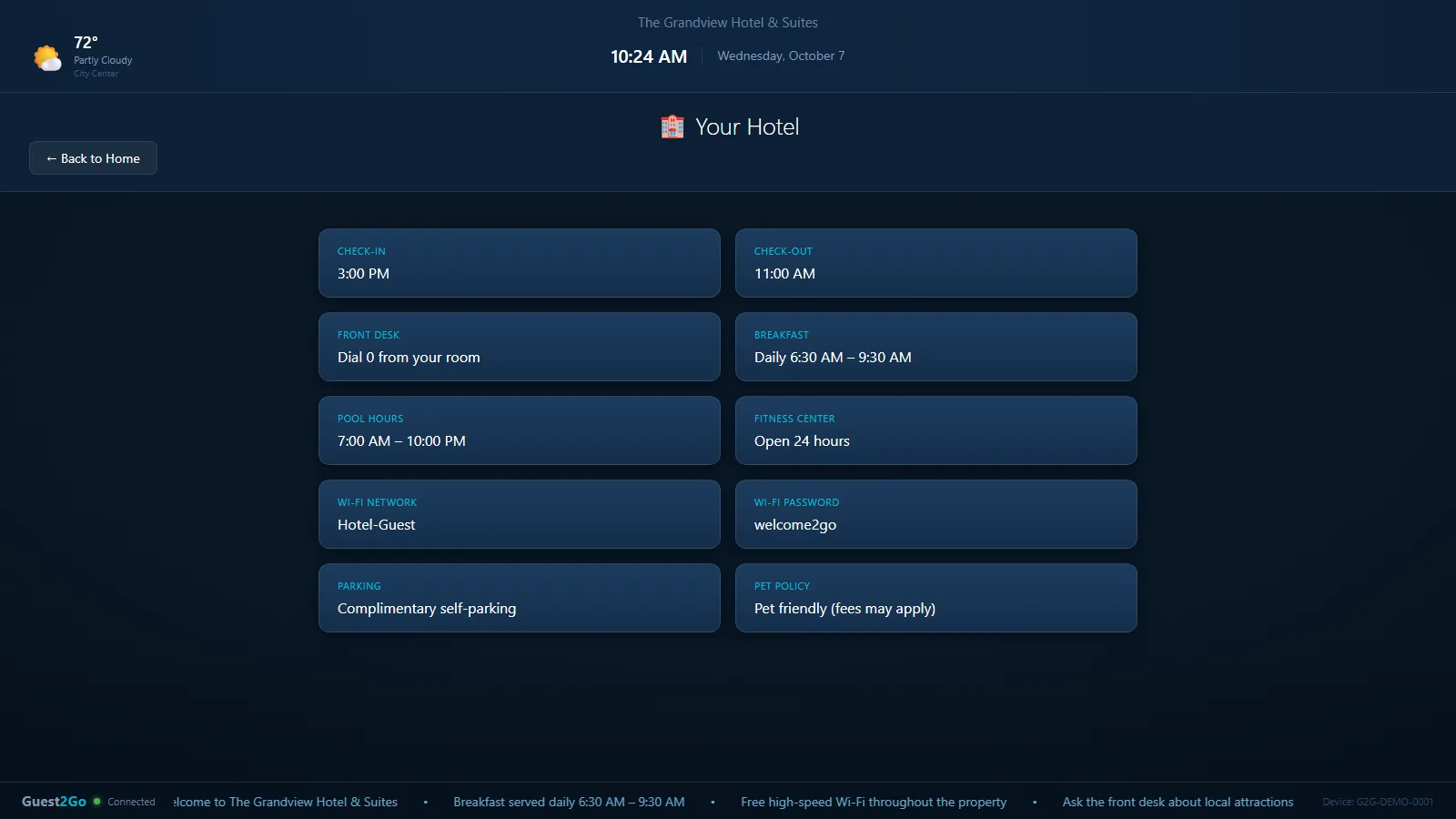
- Your hotel, answeredCheck-in and check-out, breakfast, pool and fitness hours, Wi-Fi, parking and pet policy. The questions your front desk answers all day.
- A language buttonOne tap switches the whole screen for guests who read another language.
02 · After every guest
The next person starts clean.
The kiosk resets itself, so nobody on your staff has to remember to.
- End Session wipes itWhen a guest taps End Session, the kiosk removes what they left behind: saved files, browsing history, cookies and sign-ins, temporary files and the print queue.
- Walk-away cleanupIf a guest just leaves, the kiosk cleans up on its own and goes back to the welcome screen.
- Locked inNo desktop, no Task Manager, no way out of the kiosk screen.
- Optional front-desk PINIf you’d like to know who is using the computer, guests can be asked for a PIN from the front desk before the screen unlocks.
- Maintenance modeTake a kiosk out of service from the dashboard while it’s being worked on, so a guest doesn’t sit down at a half-fixed machine.
03 · Behind the glass
We watch it so your front desk doesn’t.
Every kiosk checks in with us every 30 seconds. We use that to keep it healthy and to show you what is happening, live.
- Live statusOnline, In Use, Offline or Maintenance, with color-coded indicators and live updates.
- We hear about it firstIf a kiosk stops checking in, we’re alerted and start fixing it, usually without anyone visiting the hotel.
- Updates arrive on their ownNew versions and security patches go out from our end. Nobody has to touch the machine.
- Remote repairWe can look at a kiosk and fix it from here.
- CPU and memoryProcessor load and memory use in real time, so a struggling machine gets noticed before a guest notices it.
- Session monitoringWhen a guest session starts and ends, how long it has been running, and which app is open.
- Heartbeat historyEvery check-in is recorded. Scroll back through uptime, CPU, memory and session data for any device.
- Dashboard from anywhereOpen it from the desktop app or any web browser, at the front desk, the back office or from home.
- More than one propertyView and organize kiosks across several locations in one place.
04 · Your portal Pro
Make it look and sound like your hotel.
The Pro plan adds a portal where you change how the kiosk looks and what it says, without calling anyone.
- Theme and branding ProSet your property’s colors and look across every kiosk.
- Welcome message ProGreet guests in your own words. Change it whenever you like and it updates on the kiosk.
- Scheduled announcements ProScrolling messages for breakfast hours, pool closures, events. Set it once and it runs on its schedule.
- Usage and session reports ProEstimated session counts, average length, peak hours, and average CPU and memory, per device.
- Top apps ProWhich apps guests use most, so the popular ones stay front and center.
- Printable reports ProA clean one-page report for any device, ready to print or hand to ownership.
Easier to see than to read about.
Try the demo yourself, or ask for a live walkthrough and we’ll show you the kiosk and the dashboard.